Do you have an active Security Clearance?
We have temporary and permanent PT & FT jobs for technicians and supervisor!
No clearance? No problem! We also have jobs for specialty technicians!
Do you have an active Security Clearance?
We have temporary and permanent PT & FT jobs for technicians and supervisor!
No clearance? No problem! We also have jobs for specialty technicians!
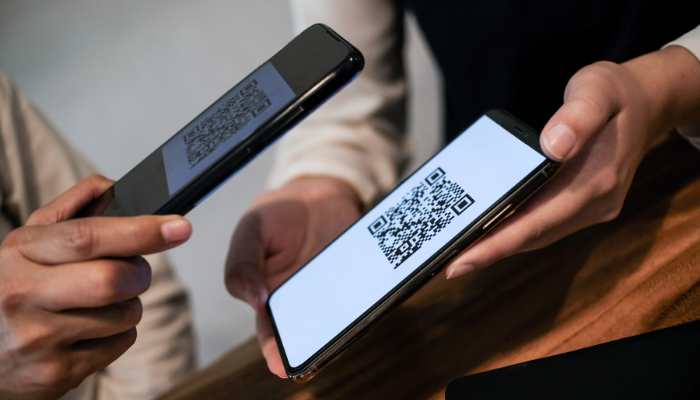
QR codes have become part of everyday life. We use them to pay for parking, track packages, view menus, register for events, access building information, and quickly visit websites. While QR codes are convenient, scammers are also using them to trick people into visiting fake websites, sharing personal information, or making payments to fraudulent accounts.
Before you scan, it is important to slow down and make sure the code is legitimate.
A QR code scam happens when a fake or altered QR code sends you to a fraudulent website or payment page. The site may look official, but it is designed to steal information such as usernames, passwords, credit card numbers, or other personal details.
In some cases, scammers place a fake QR code sticker over a real one. In others, they include a malicious QR code in an email, text message, flyer, or package notice to make it look like it came from a trusted company.
Fake QR codes can appear in many places, including:
A QR code may be suspicious if it appears as a sticker placed over another code, looks damaged or tampered with, or appears on an unofficial sign or flyer. Be cautious if the message around the code creates urgency, asks for immediate payment, or threatens account suspension.
After scanning, check the website carefully before entering any information. Watch for misspelled words, unusual web addresses, unfamiliar payment pages, or sites that do not match the company or service you expected. A legitimate organization will not pressure you to provide sensitive information through a questionable link.
Before scanning a QR code in a public place, look closely to see whether it has been altered or placed over another code. For payments, use the company’s official app or type the website address directly into your browser instead of relying on a posted code.
When a QR code appears in an email or text message, treat it like any other link. Confirm the sender, avoid scanning unexpected codes, and do not enter login credentials or payment details unless you are certain the website is legitimate.
It is also a good idea to preview the web address before opening it. Many smartphones show the destination link before loading the page. Take a moment to review it and make sure it looks right.
If you scanned a code but did not enter any information, close the page and avoid clicking further. If you entered a password, change it immediately and enable multi-factor authentication when available. If you submitted payment information, contact your bank or credit card company right away.
You should also report suspicious QR codes to the organization being impersonated, the property manager, or the appropriate security contact so the code can be removed or investigated.
QR codes are useful, but they should be treated with the same caution as links in emails or text messages. A few extra seconds can help protect your personal information, your accounts, and your money.
When in doubt, do not scan. Go directly to the official website, use a trusted app, or contact the organization through a verified phone number or email address.
Mister Kleen is committed to helping clients maintain clean, safe, and secure environments. Staying alert to QR code scams is one more way to protect yourself, your workplace, and your community.